Overview
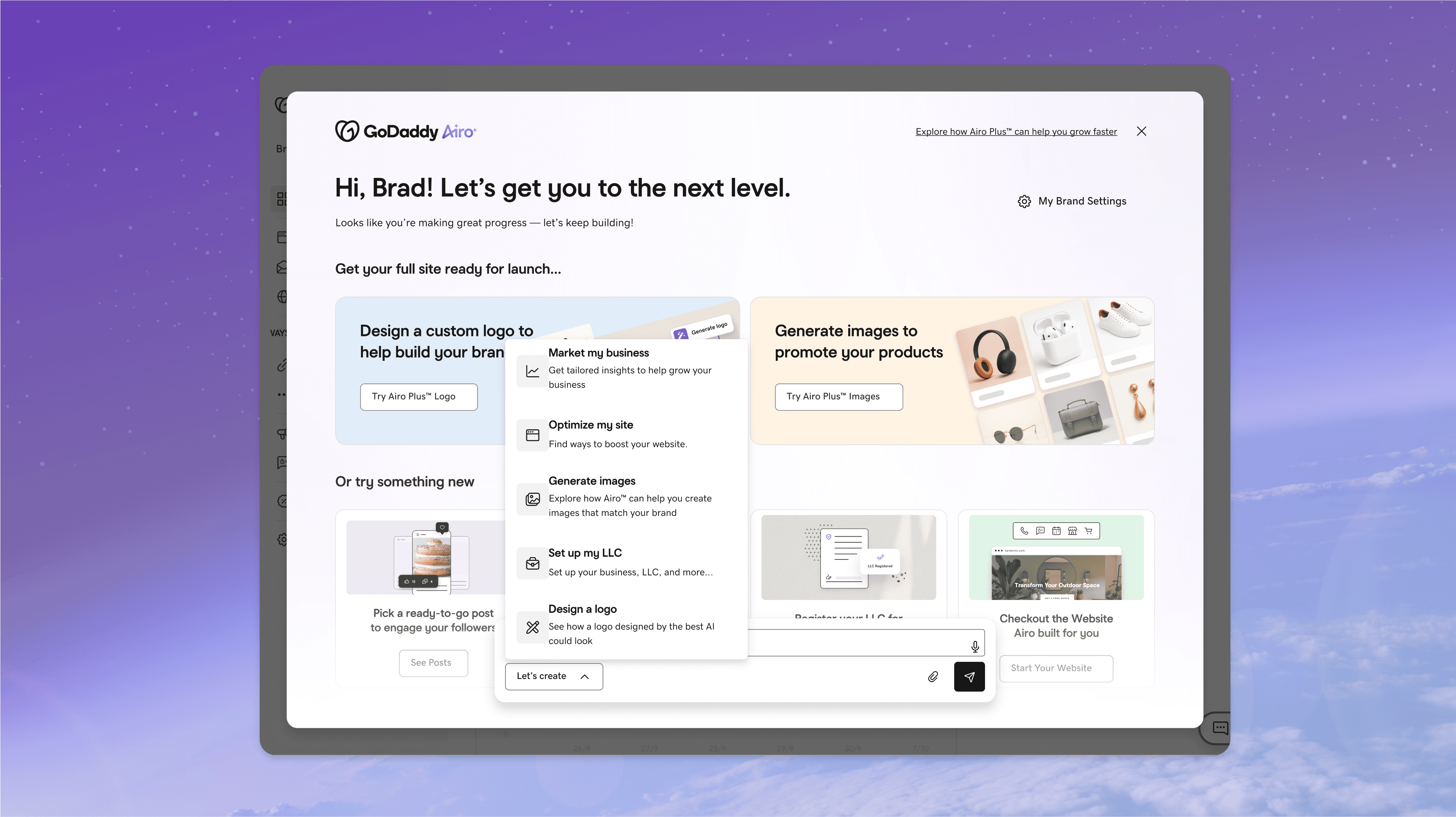
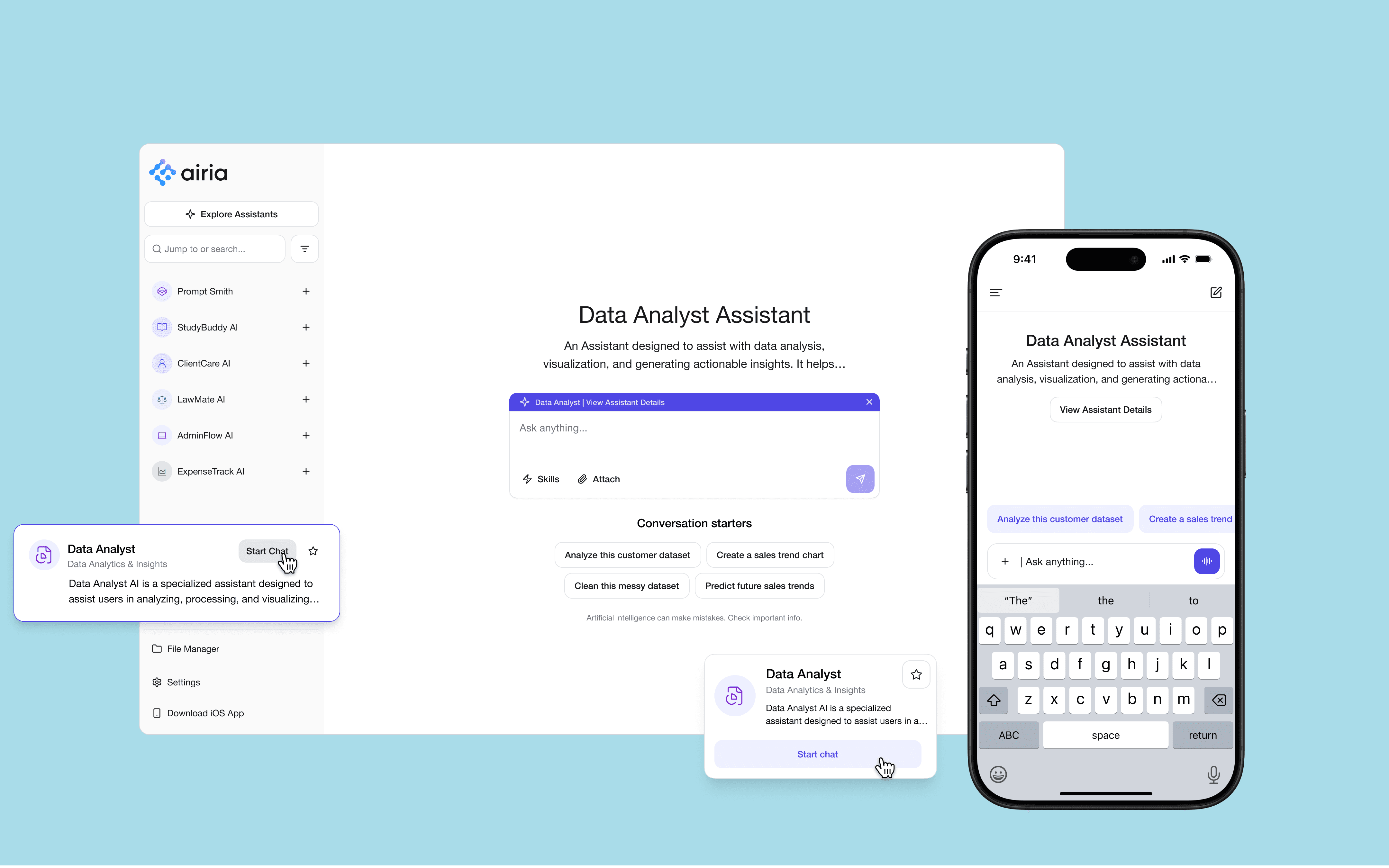
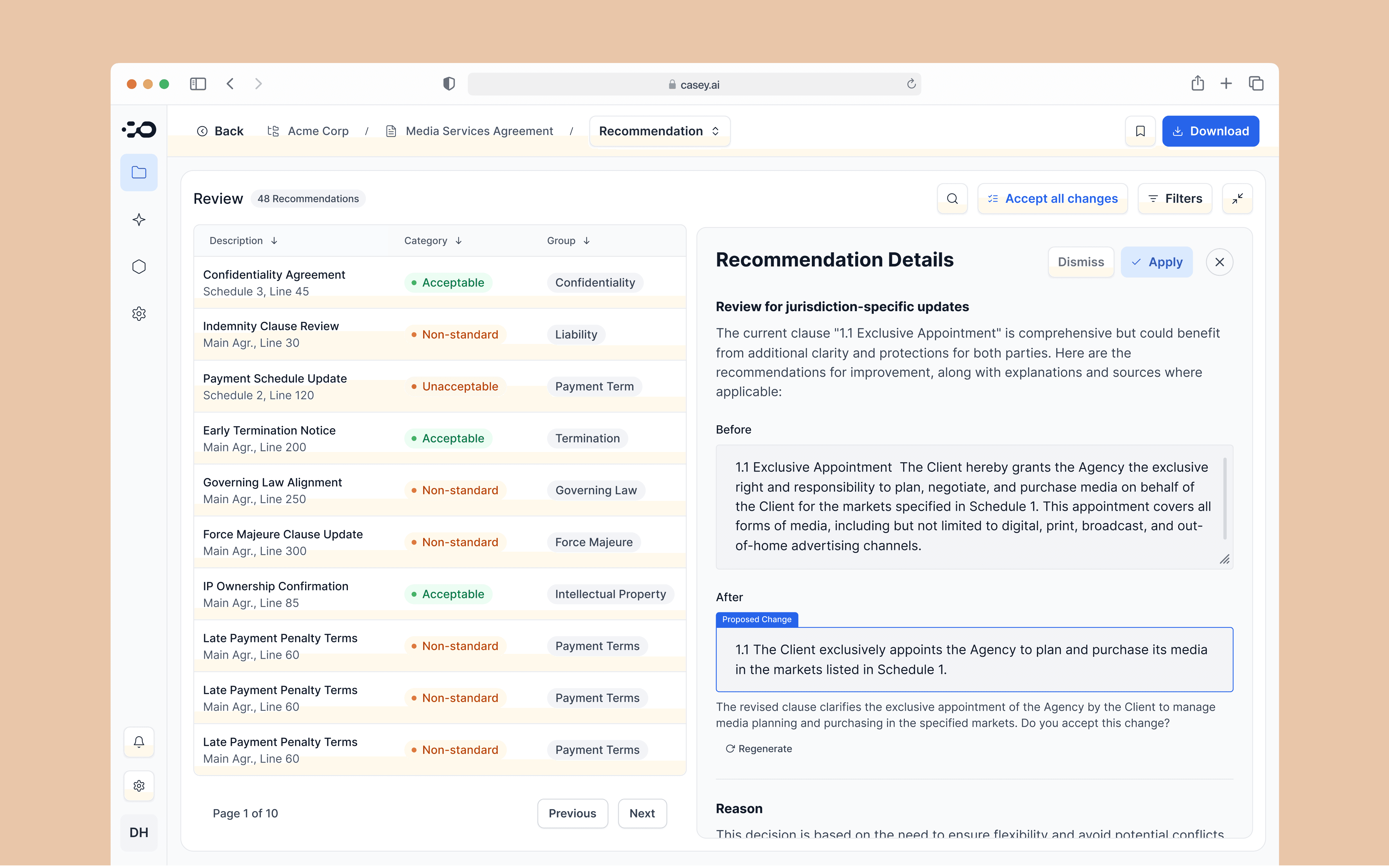
Airia is an early-stage startup with 100+ employees, building a full-stack enterprise AI platform to help companies securely deploy and manage AI agents at scale.
I joined a team of 3 designers as a Senior Product Designer and began building a cohesive, consistent, and scalable design system.
My contribution
Design System
DesignOps
Design Engineer
The team
3x designers
1x design manager
3x developer
Year
2024/2025
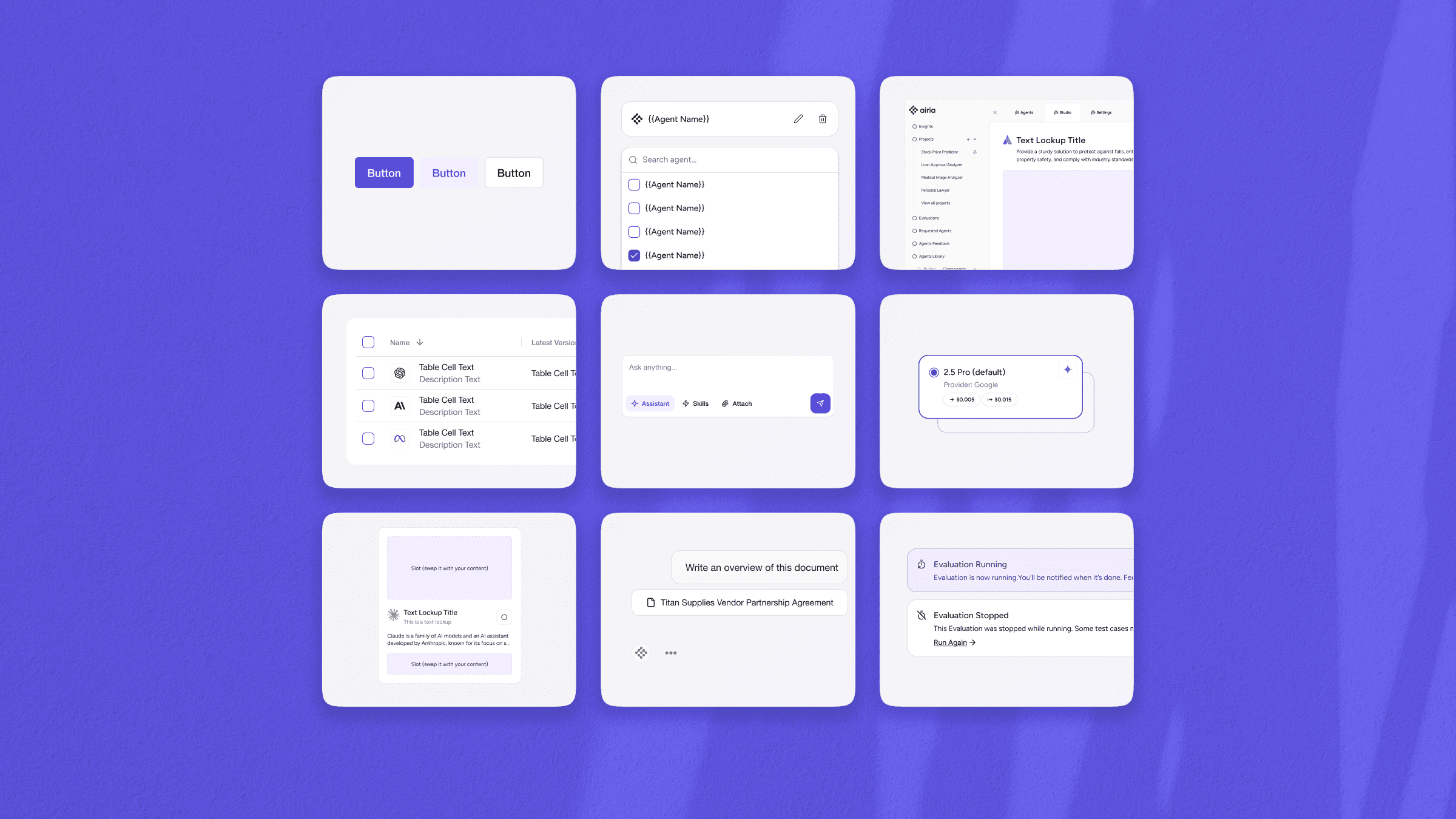
When I joined, the UX team supported 20+ developers, and the design system was just a basic UI kit in Figma.
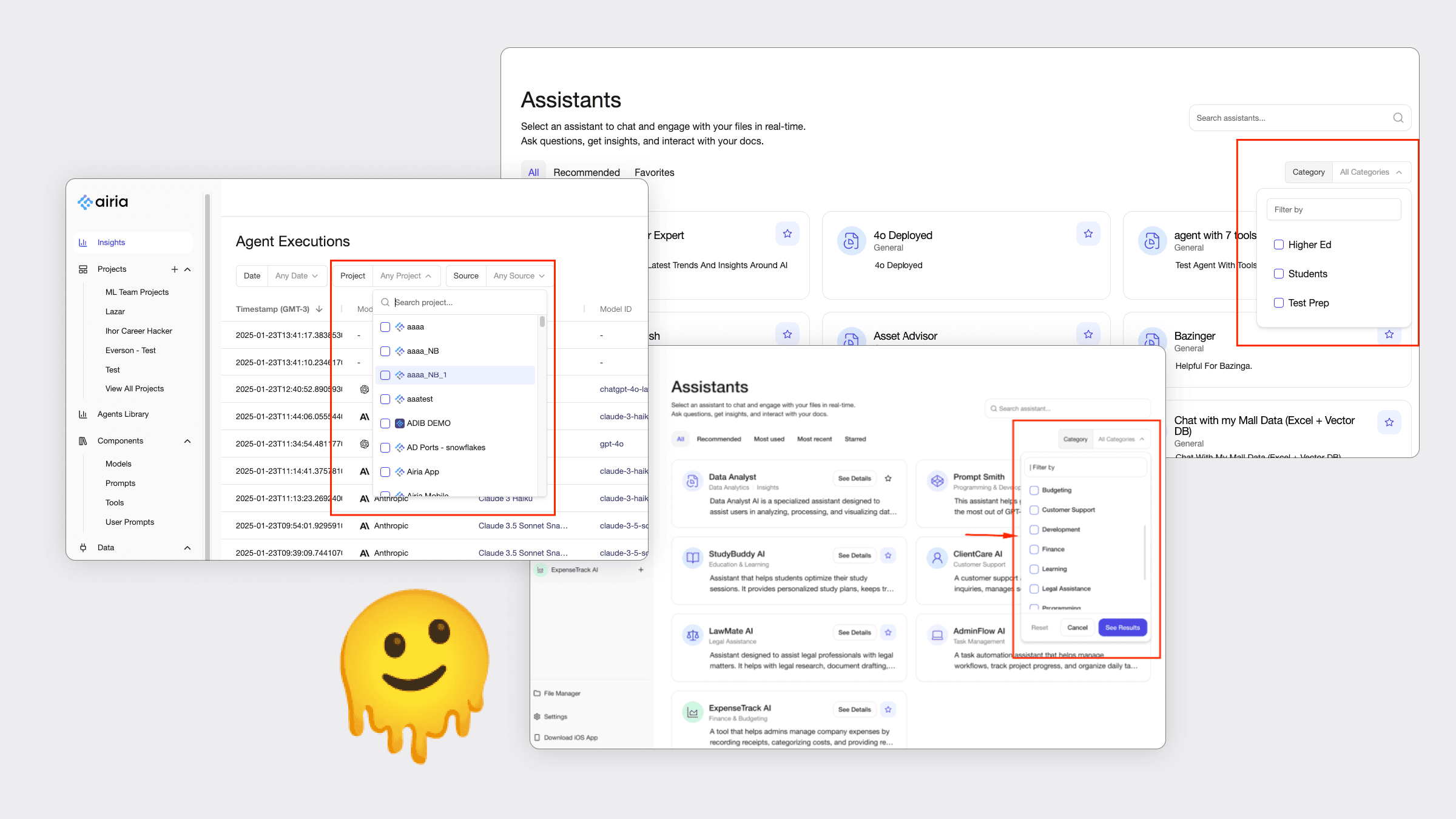
The company was struggling with inconsistencies, code duplication, and poor design scalability as the product grew.
Devs and designers often built similar patterns differently, like dropdowns, for example.
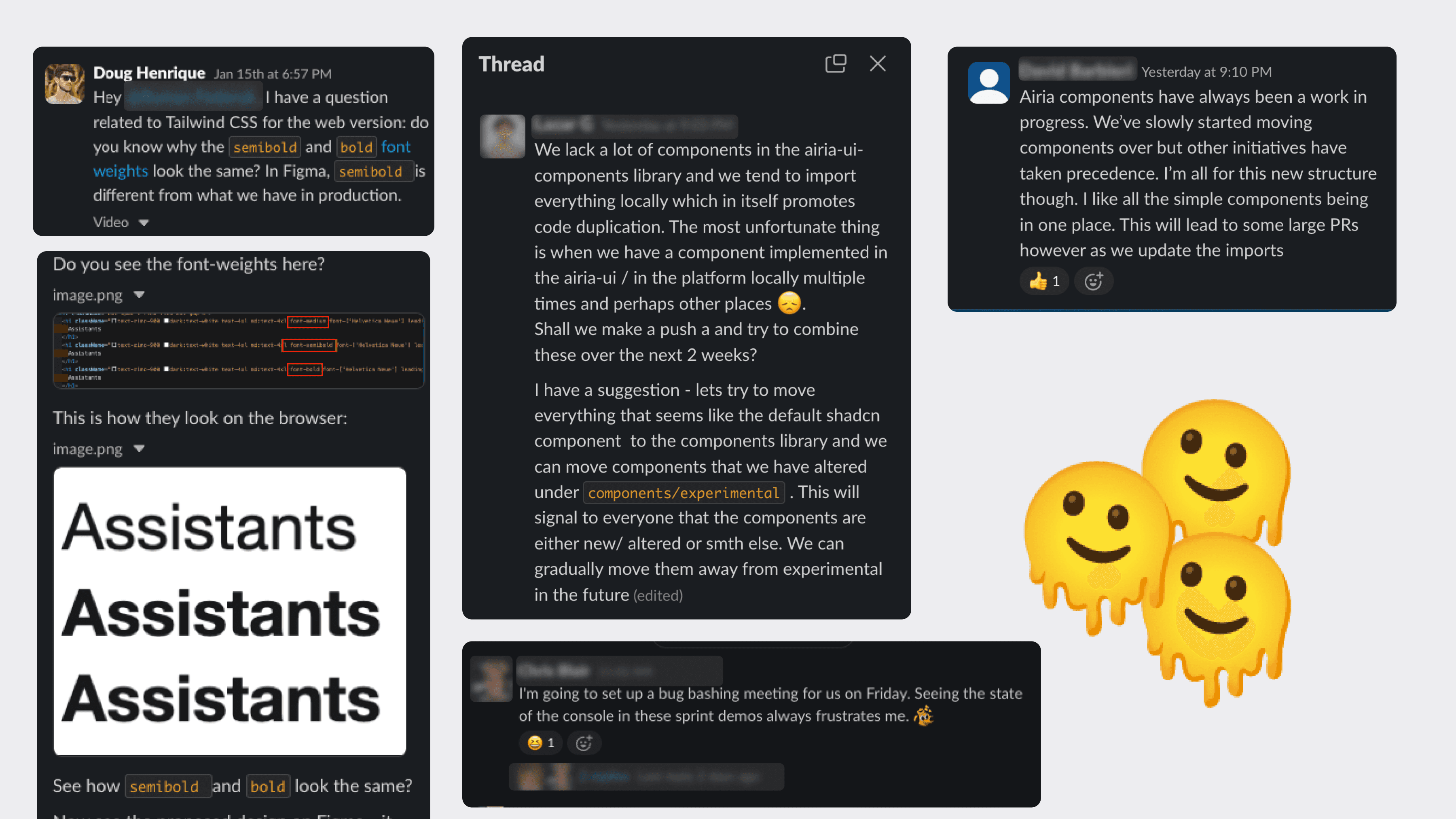
We constantly saw Slack reports about UI bugs, poor UX, and missing components.
Past attempts to build a design system were often deprioritized for urgent product tasks.
I knew a design system foundation could bring real value at this stage.
With 100+ employees and no dedicated design system team, implementing it would present some challenges:
Challenges
#1 Validating Needs
I believed the design system could solve key pain points, but I needed to validate it with stakeholders.
With busy teams, leadership needed clear proof of its value before investing.
#2 Limited Resources
With no dedicated design system team, I had to balance this initiative alongside my existing responsibilities.
#3 Building Processes
The company had no processes for building or scaling a design system, so I had to define everything… from workflows to governance.
Defining Goals and Scope
I proposed a workshop to align design system goals and run an audit. They approved the idea and invited me for an onsite session.
At the workshop, I met with designers, devs, and PMs, ran audits and exercises to map and validate needs.
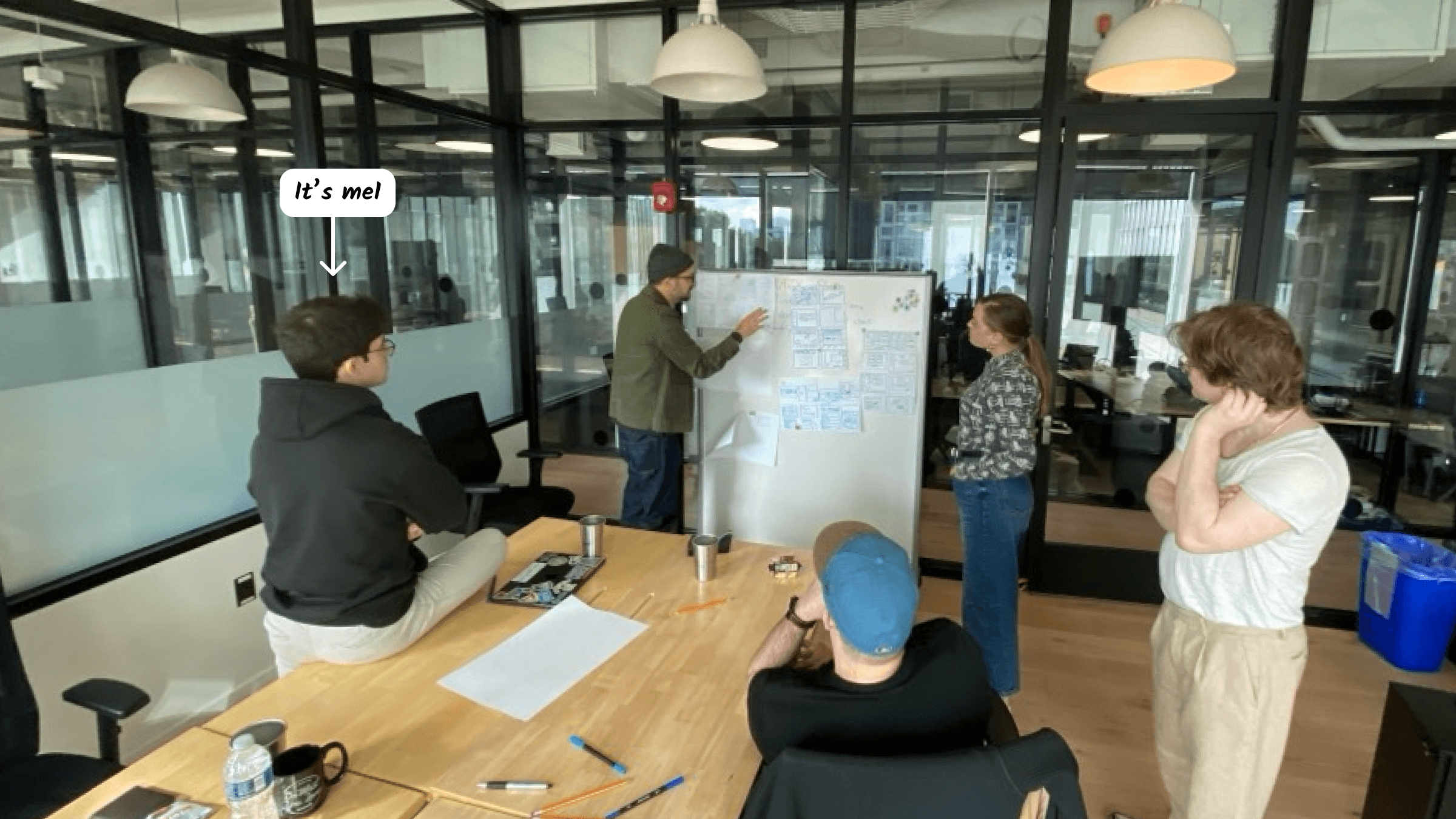
Some of the exercises and audits:
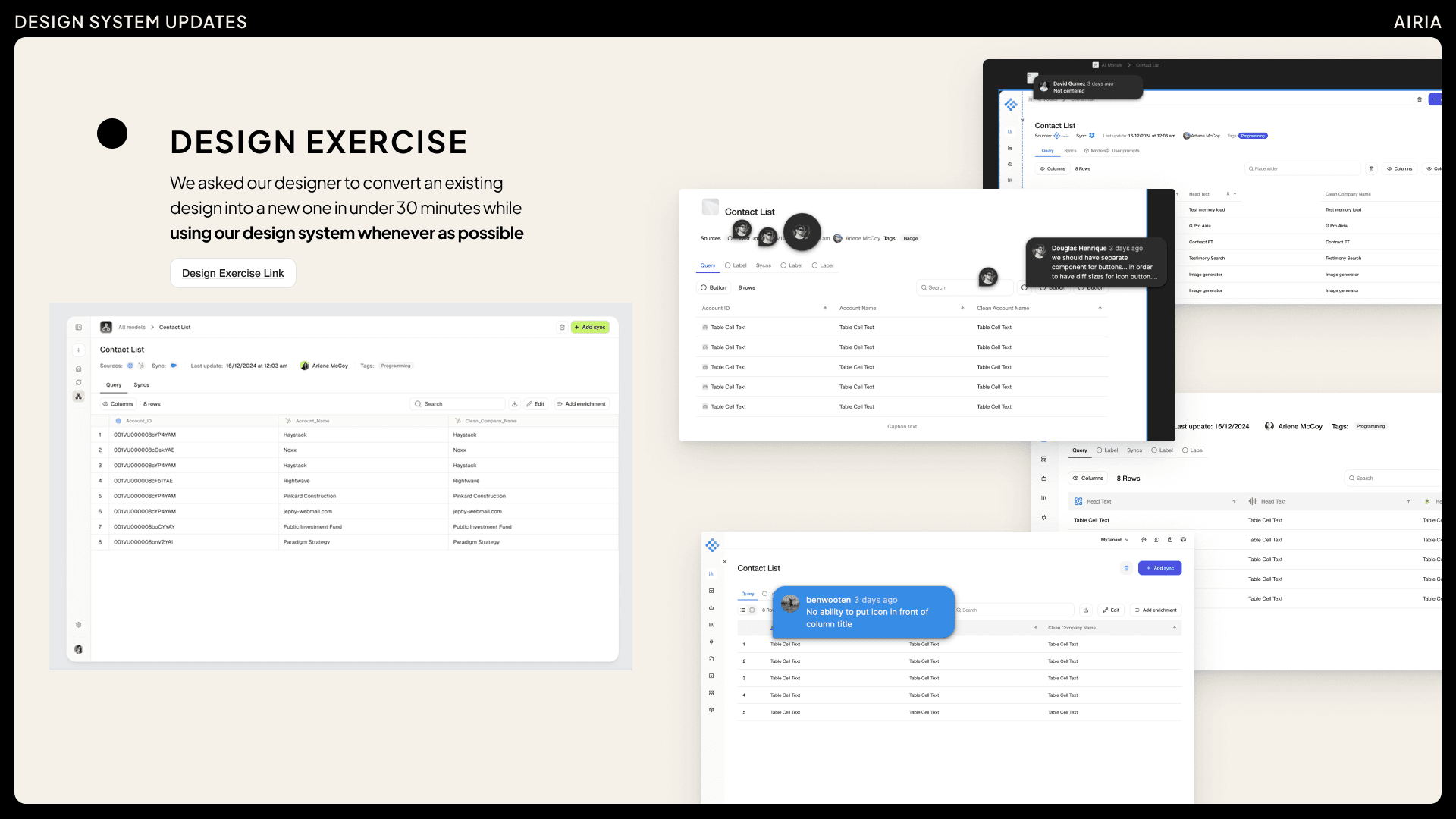
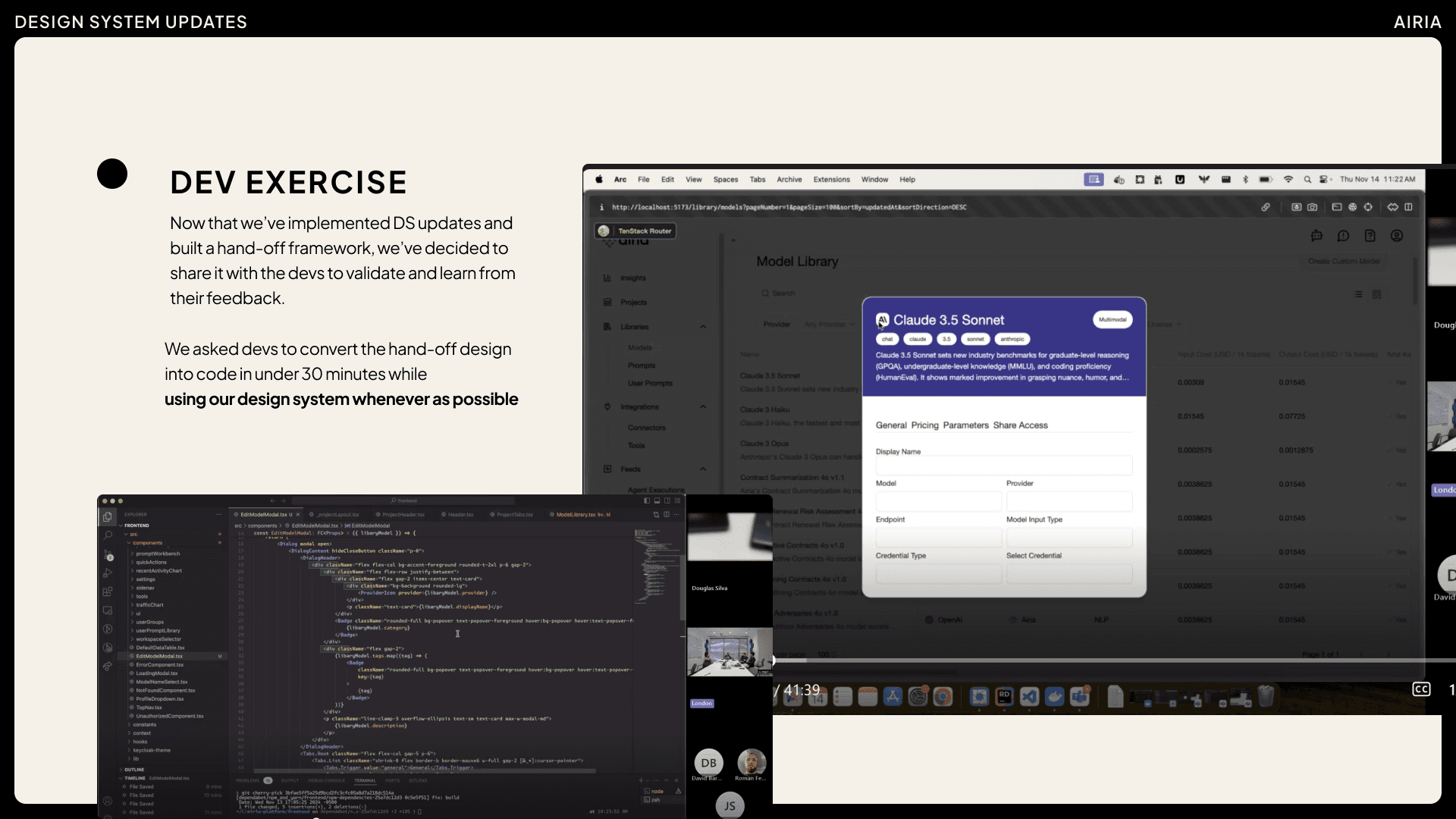
This was the final step in validating the real needs.
Building the Workflow
Back remotely, I set up a sprint-based workflow to start building and documenting components and patterns.
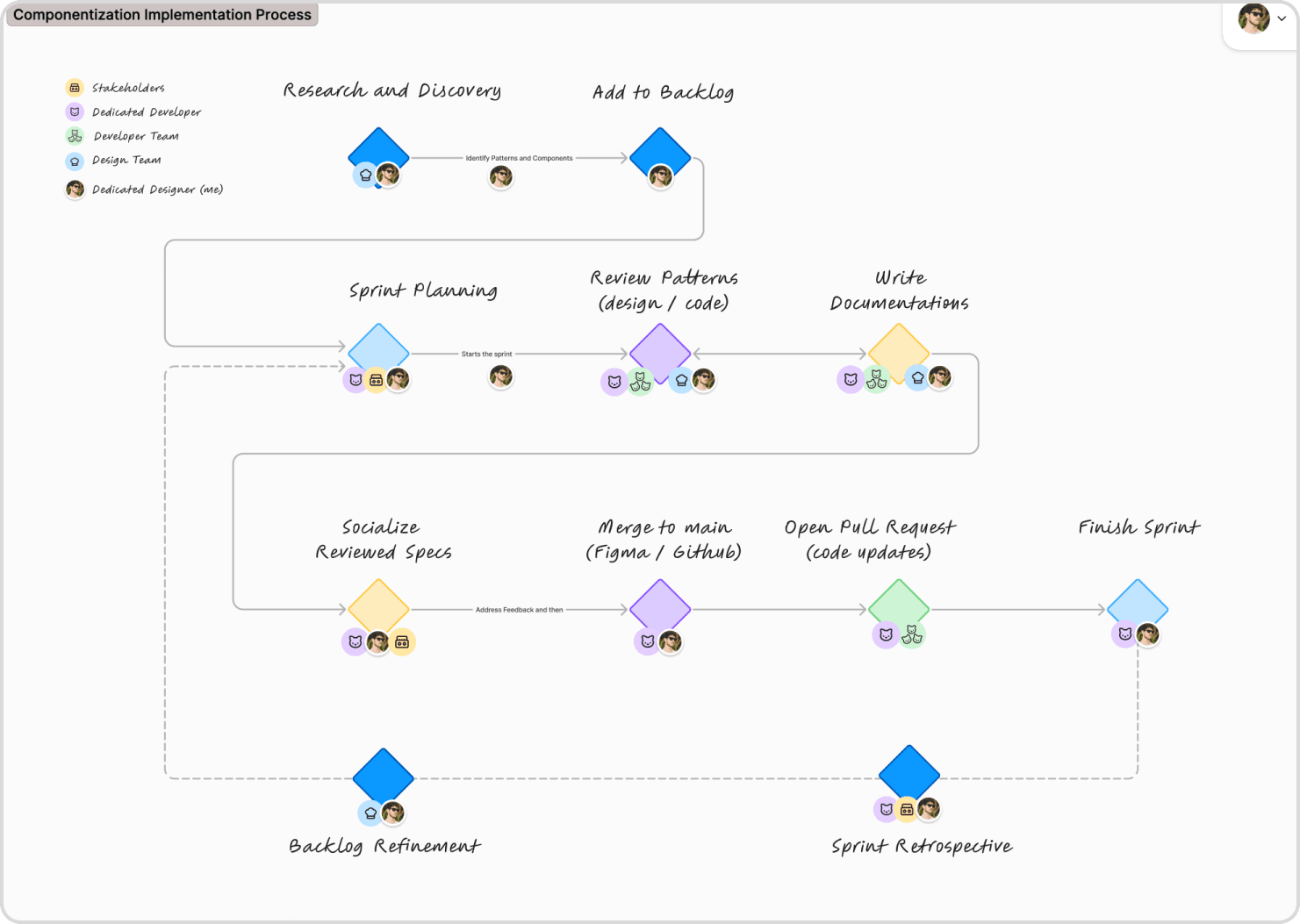
For research, I ran a working session open to anyone interested.
Jobs to be done at this stage:
Audit existing components and patterns at production.
Group components into clustered patterns.
Prioritize needs by equals of most used vs most important for users
All the patterns identified through this process were documented in a dedicated FigJam file.
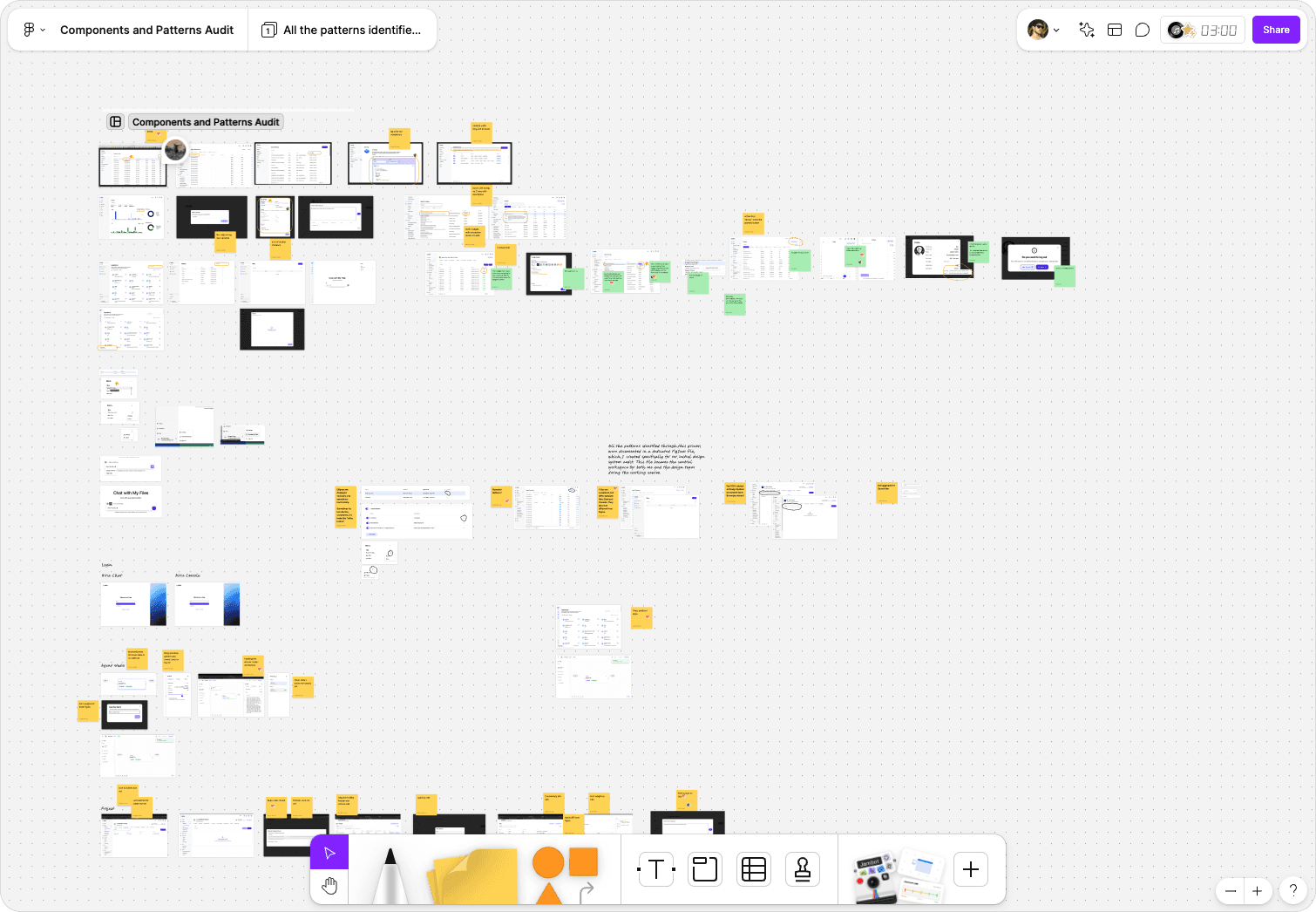
With the UX team, we prioritized key issues and built an initial backlog, focusing more on patterns than isolated components.
From there, I broke down those patterns to identify which components needed improvement.
Examples:
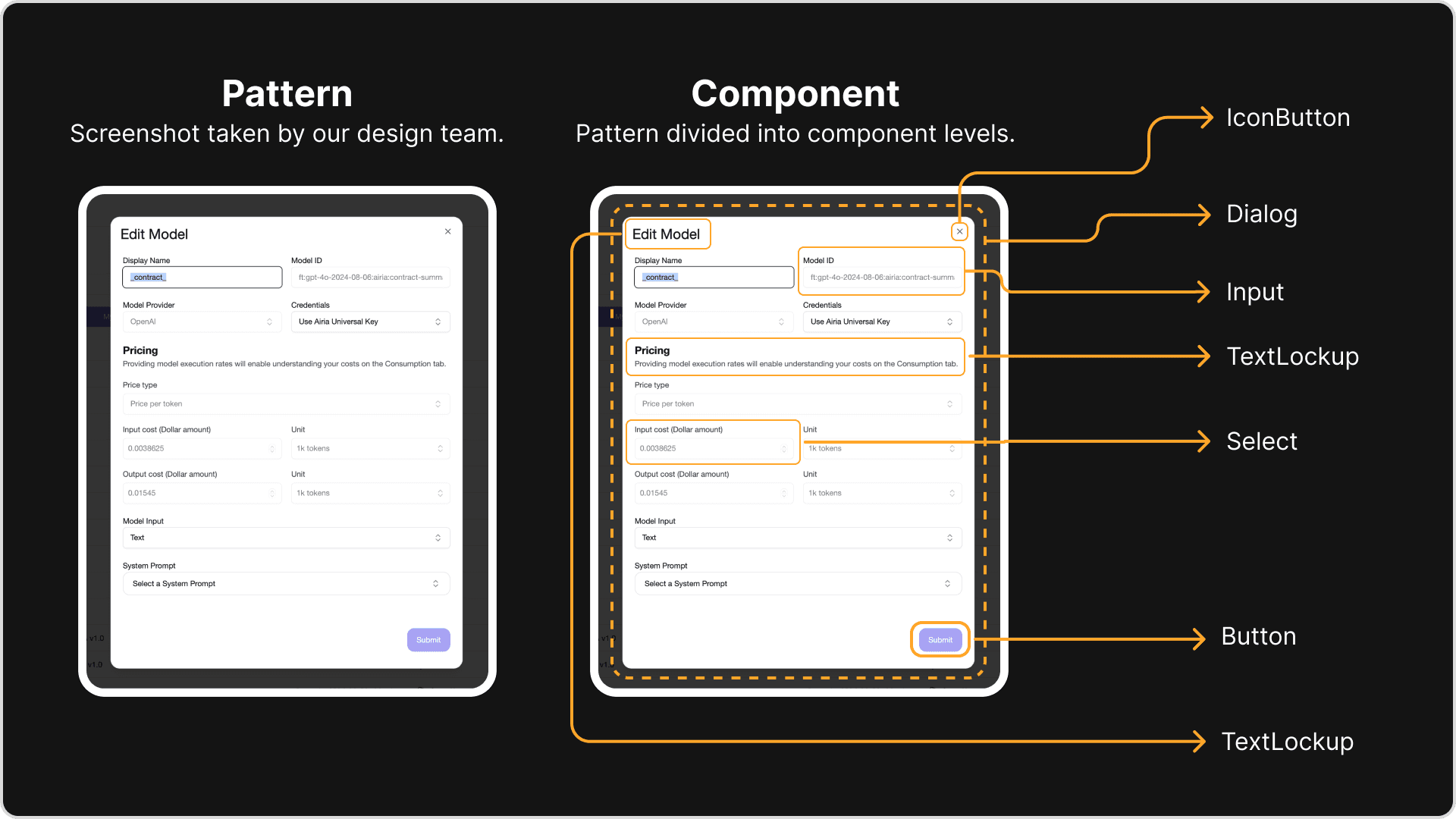
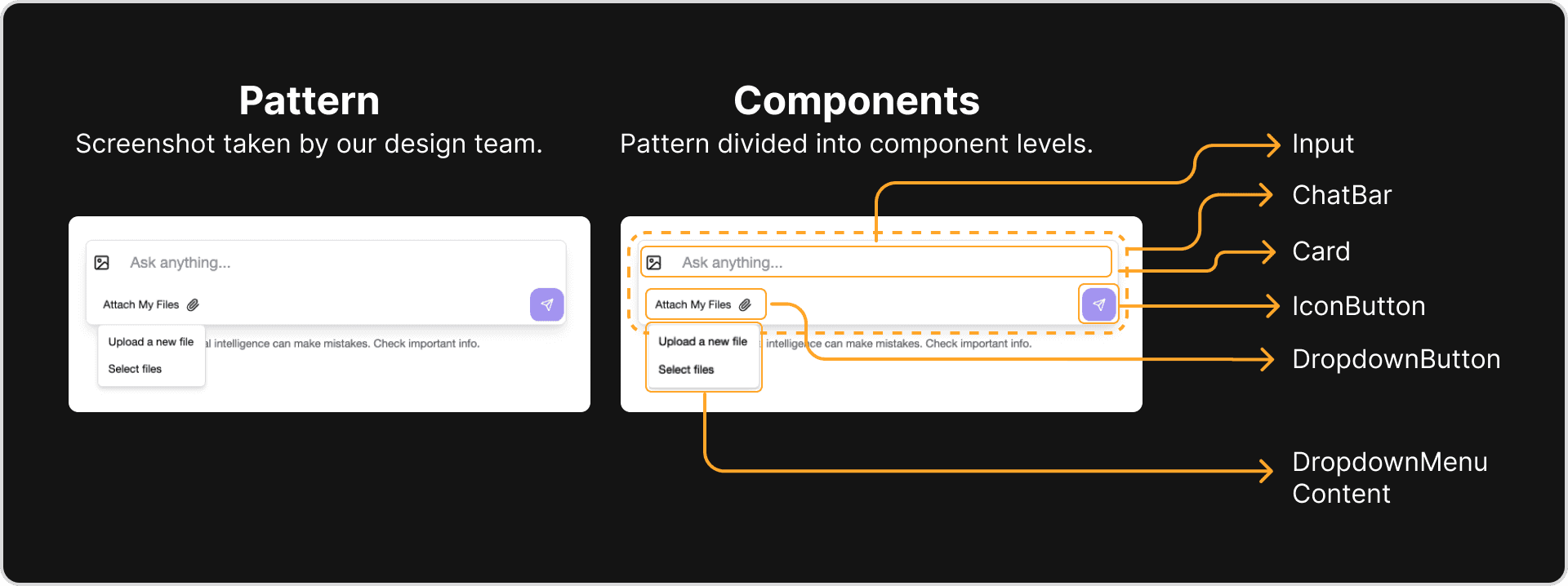
Just for clarification, this is how I distinguished components and patterns:
Components are the “what”, the individual visual and functional building blocks (aka components).
Patterns are the "how. So, how we group components to solve user problems and guide them through their journey.
Execution
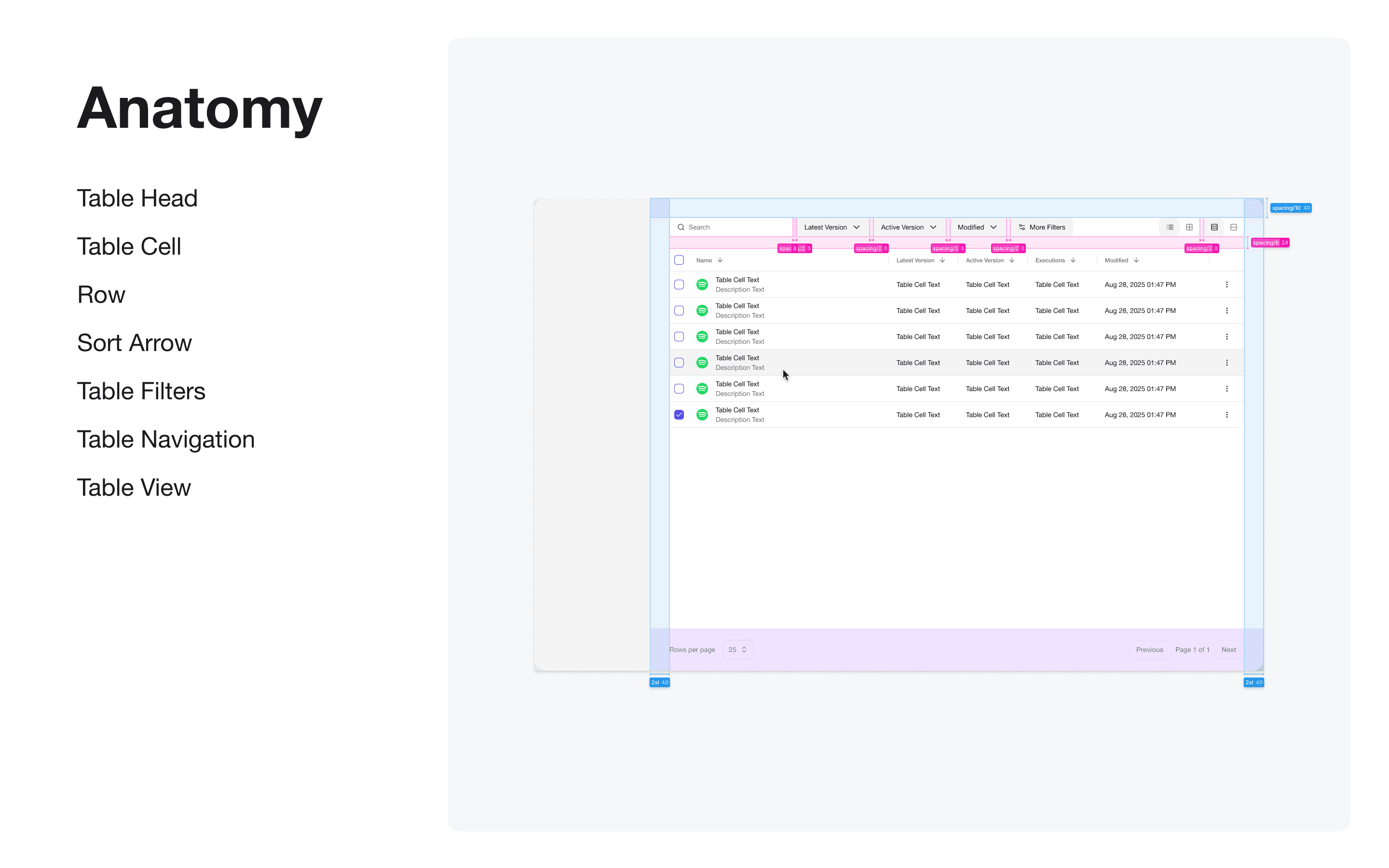
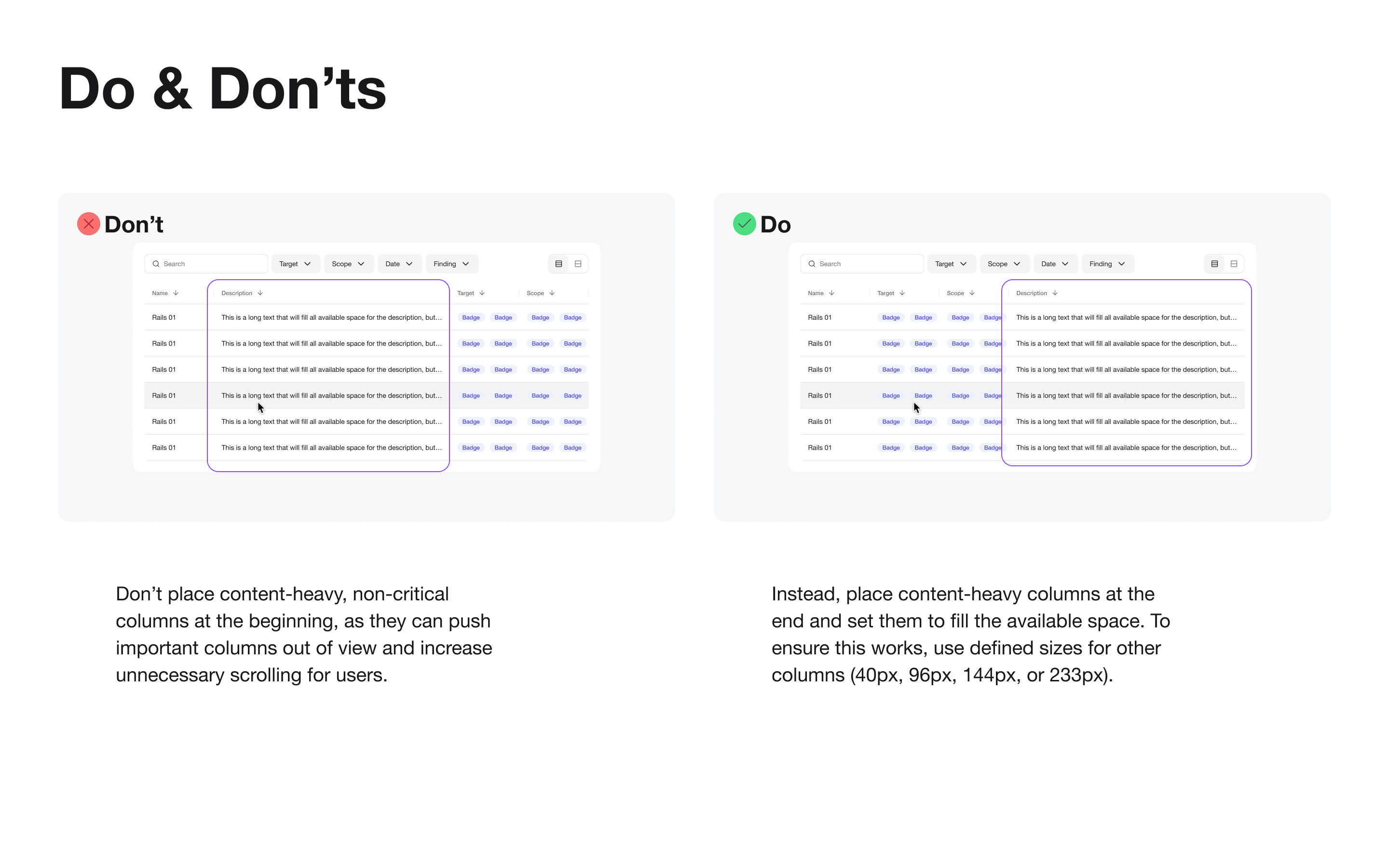
With the needs, team, process, and backlog in place, we began sprint cycles, shipping components, syncing Figma and code, and documenting in Storybook.
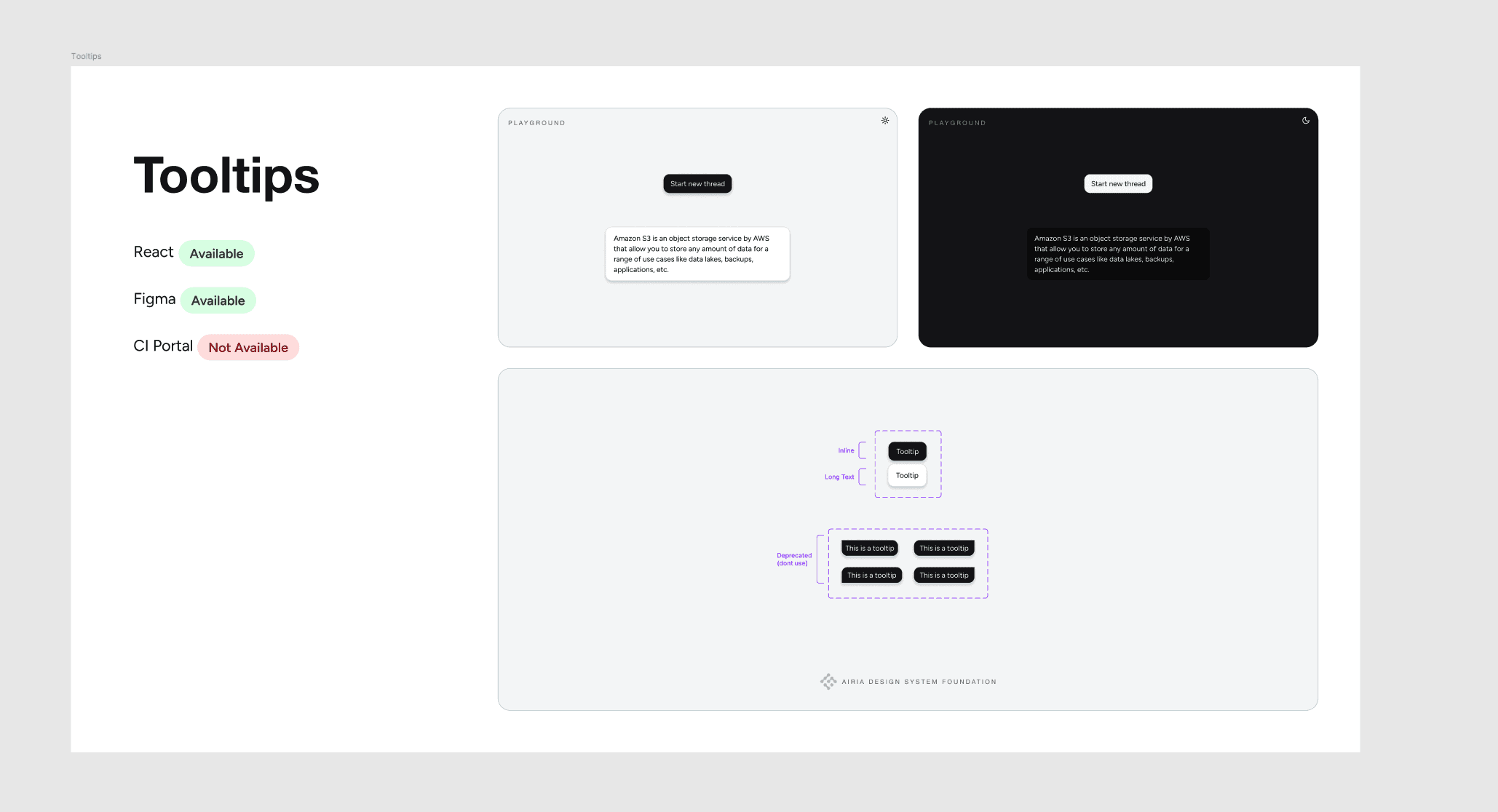
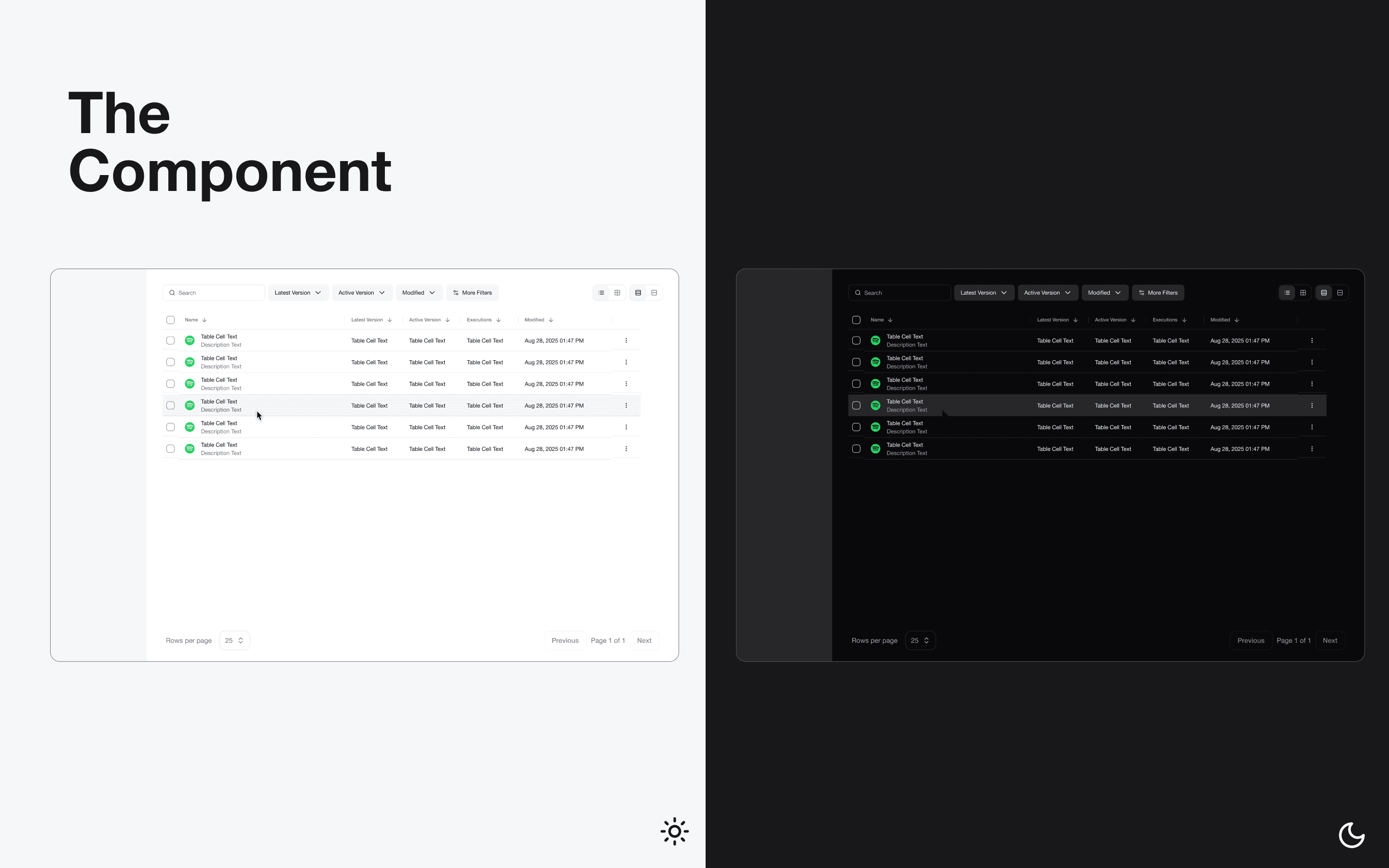
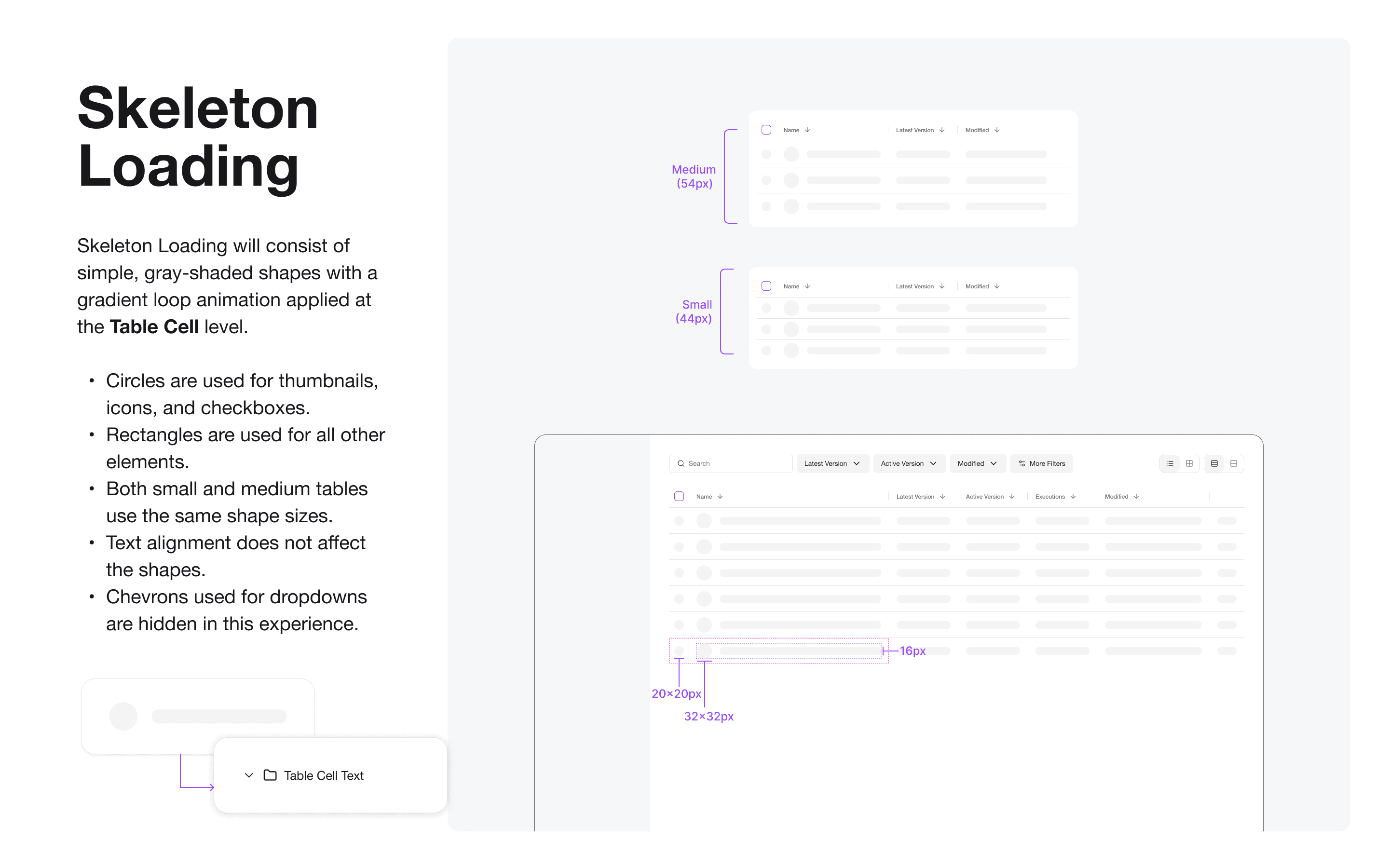
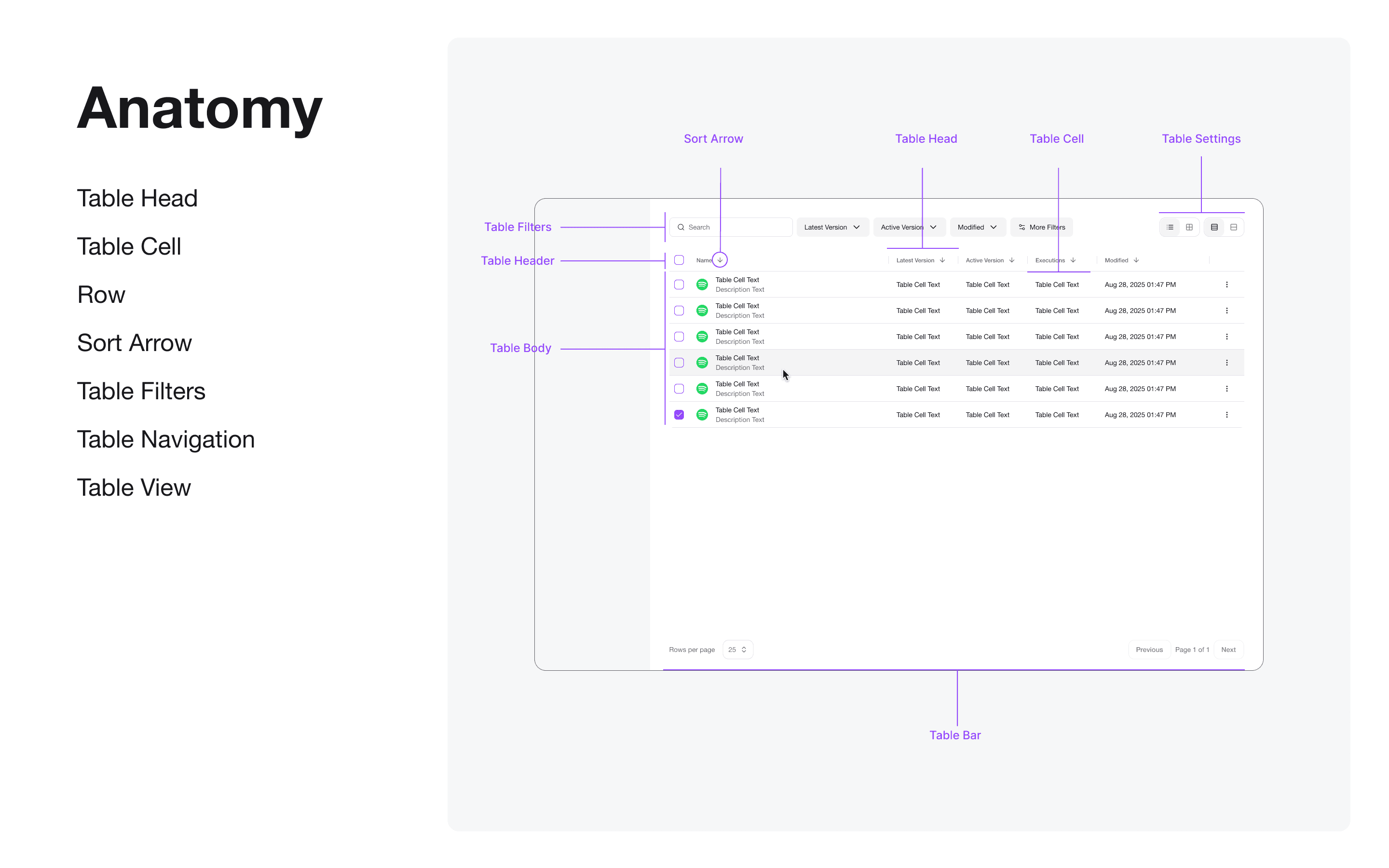
Below are some of the outputs (components + documentation). More context coming to the portfolio soon.